

Krisp AI Meeting Note Taker
Voice Notes and Memo Recorder

 Back
Back
Back
Back
Back
Back
Back
Back


With Krisp’s Teams transcription, get clear, real-time meeting transcripts and summaries to track important discussions and decisions.

Let Krisp handle Teams meeting transcription so you can concentrate on the conversation.
Krisp Meeting Transcriber converts speech to text, capturing every word and turning your MS Teams meetings into clear, searchable transcripts.
 AI meeting summarization and action item extraction
Multi‑language support for global teams
Speaker identification and timestamps
AI meeting summarization and action item extraction
Multi‑language support for global teams
Speaker identification and timestamps 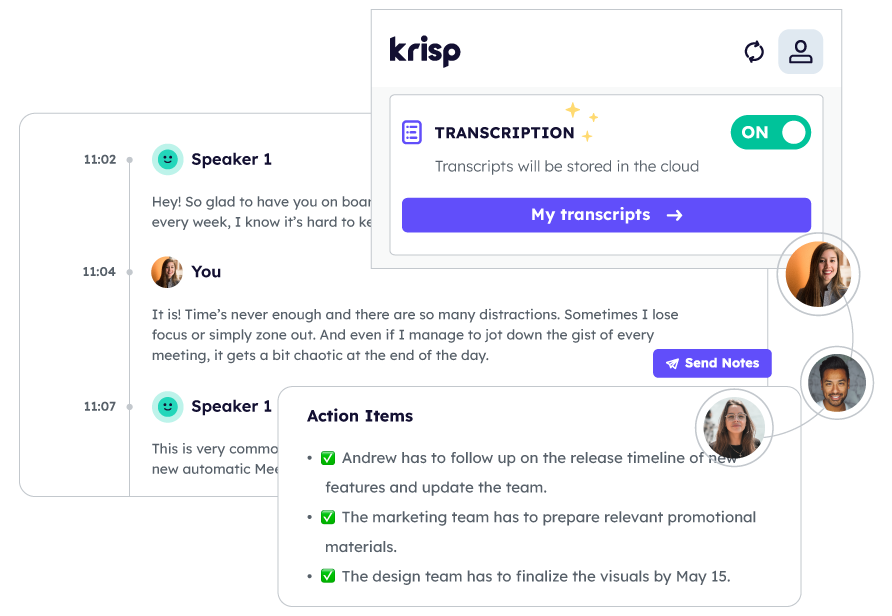
Krisp uses advanced AI to provide real-time Teams transcription, creating clear meeting notes and enabling Teams meeting transcription even without recording.
AI-powered MS Teams transcription captures every word in your meetings, so you can stay engaged without the hassle of manual note-taking.
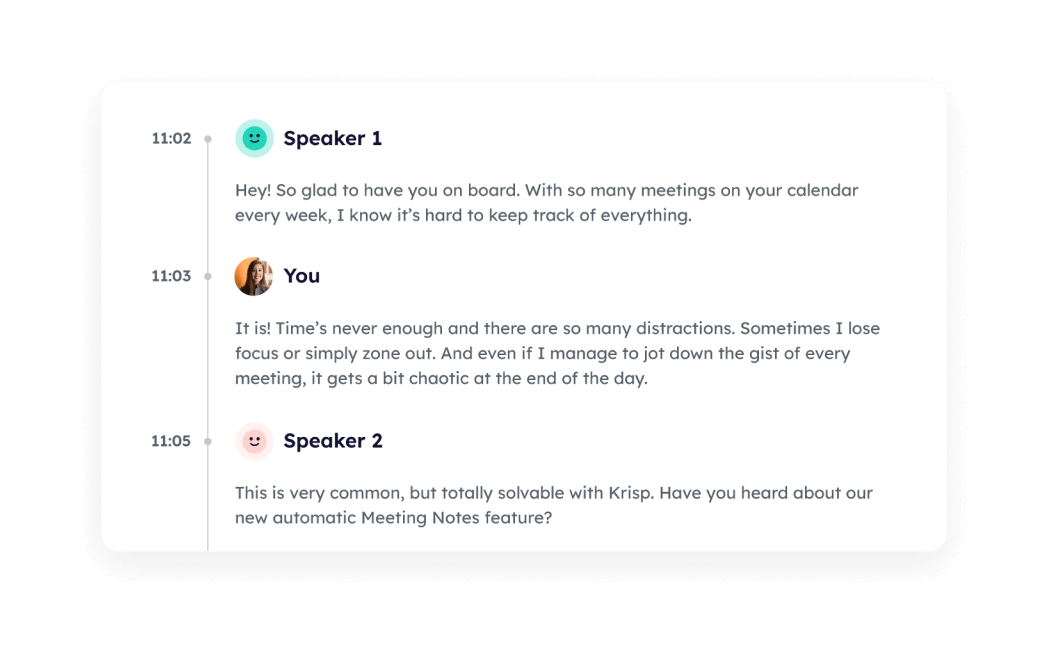

Let Krisp transform lengthy transcriptions into concise AI meeting notes with Krisp.
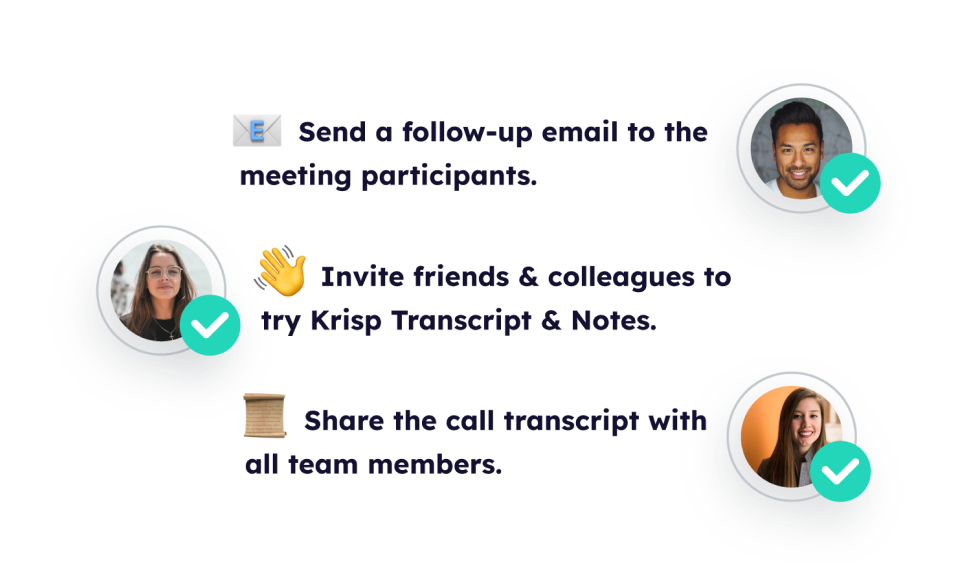
Share your meeting transcripts or summaries with ease directly from Krisp's intuitive platform.
Create an account and download Krisp to access the AI Meeting Assistant. Upon installation, the AI meeting transcription tool will automatically begin to download.
Set up your online meeting as you normally would using Teams. No additional plugins or extensions are required. Krisp seamlessly integrates with Teams to enhance your meeting experience.
Join or start your Teams meeting as usual without doing anything else. Choose whether to transcribe only or record and transcribe with Krisp AI Note Taker. It automatically starts transcribing your meeting in the background and taking notes
Head over to your Krisp dashboard to access your transcriptions for further action, such as creating summaries, editing the transcript for clarity, or sharing with others
Krisp uses advanced noise cancellation technology to deliver clear audio during your meetings, filtering out background noise to ensure every word is captured accurately
Transcribe meetings without bots or plugins. Krisp works directly with Microsoft Teams, providing a non-intrusive experience that lets you focus on the conversation.
By converting accents in real time, Krisp makes Microsoft Teams transcriptions more accurate for global teams while helping native speakers understand you more easily.
Your Microsoft Teams transcriptions are securely stored, keeping sensitive discussions private. Krisp ensures your data stays protected at all times.











 Cool Vendor in Digital Workplace
Programs
and Applications
Cool Vendor in Digital Workplace
Programs
and Applications
 America’s Most Promising AI
Companies
America’s Most Promising AI
Companies
 People's Voice Winner in Productivity &
Collaboration
People's Voice Winner in Productivity &
Collaboration
 Leader in Noise Cancellation and Voice
Recognition
Leader in Noise Cancellation and Voice
Recognition


